Cómo aprovechar al máximo tu cita con el médico de cabecera en línea
Revisado por Dra. Sarah JarvisEscrito por Natalie HealeyPublicado originalmente 15 May 2020
Cumple con las directrices editoriales
- DescargarDescargar
- Compartir
- Language
- Discusión
- Versión en audio
- Agregar a fuentes preferidas en Google
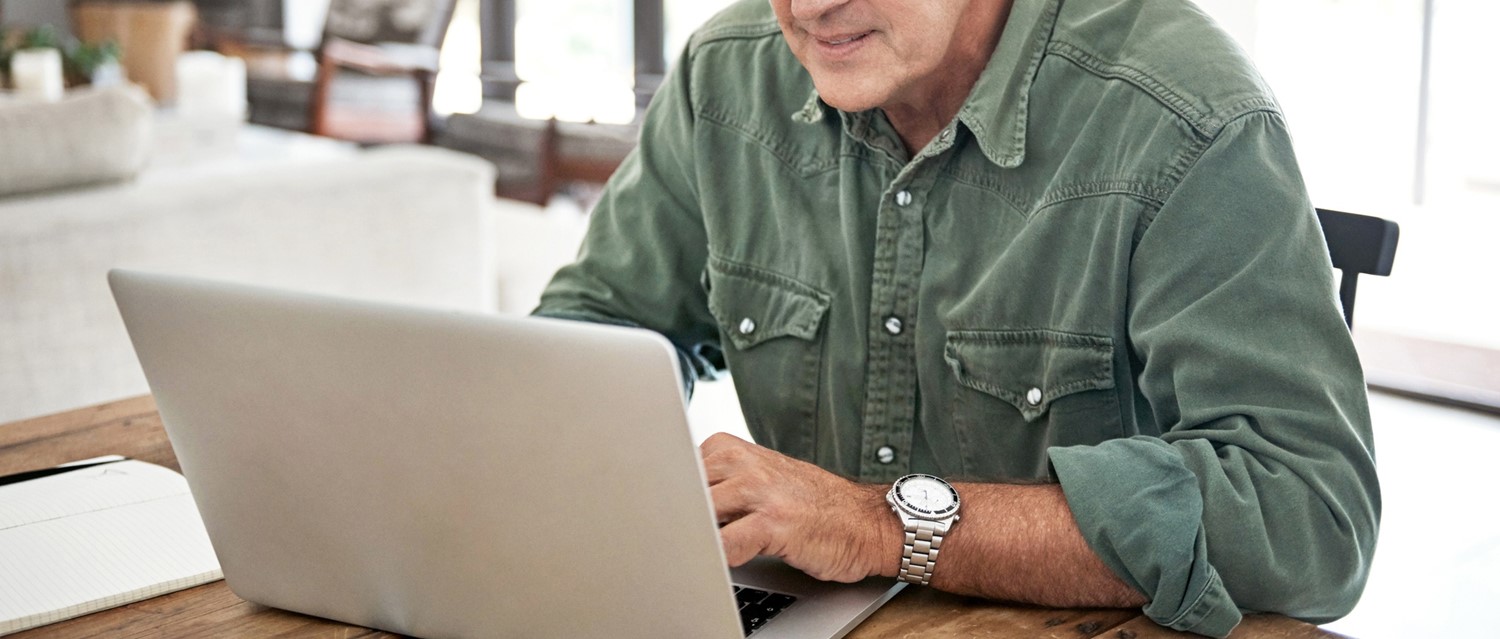
Muchas citas con el médico de cabecera se han trasladado a consultas telefónicas o por video debido a la pandemia de coronavirus COVID-19. Exploramos cómo aprovechar al máximo una cita por video y qué puedes hacer para prepararte para una.
Usar del Paciente herramienta de verificación de coronavirus if you have any symptoms of fever or a new cough. Until you have used the tool and been advised what action to take, please stay at home and avoid contact with other people.
The coronavirus pandemic has transformed our lives in numerous ways - it's also brought big changes to general practice. If you want to see your GP at the moment, you're likely to be offered a telephone or video appointment rather than a face-to-face session.
Last year, the vast majority of GP appointments were delivered in person, with just 1% enabled via video conference. But according to the Royal College of GPs, 70% of GP care is now being delivered remotely. Support for patients via telephone or video link has been rapidly established during the crisis.
While this move has been important to reduce the spread of the coronavirus that causes COVID-19, it's likely remote consultations will still have their place in general practice long after the pandemic is over. So if you're offered one, how can you get as much out of a video appointment as a face-to-face one?
What if you're not tech-savvy?
Over the last couple of months, many of us have become very familiar with video calls as a way of staying connected with relatives without seeing them in person. But not everyone feels confident with this kind of technology. GP Dr Gero Baiarda, from GPDQ, sympathises with those who find the idea of video conferencing daunting, but reassures that the kind used for appointments is really simple for patients. If you don't think of yourself as tech-savvy, that really doesn't matter. As long as you've got a device with a camera and a microphone, you're good to go.
"The technology and software we use for video consultations usually don't require you to install anything or update your computer in any way," he says. "Typically you are texted or emailed a link and all you have to do is click on it at the right time."
If you're a Acceso del Paciente user, you can book a video consultation with your doctor for a convenient time using the app. Once booked, the video appointment will appear in the Upcoming Appointments section on the homepage with a 'Join' link to click on at the time and date of the consultation. Once your healthcare professional joins the appointment, the video call will start.
The pros and cons of video appointments
Video appointments are appropriate and safe for many medical issues such as salud mental consultations, treatment reviews and minor ailments, says Baiarda. For some issues, there's no substitute for a physical examination though. Video appointments aren't always appropriate for every medical problem. Your doctor will be able to advise you if you need to be seen face to face.
"The main issue is clearly that we cannot physically examine patients," says Baiarda. "We cannot take reliable readings and observations. Although we can request that patients do this for themselves or their children, there are some things that can never be done remotely at home, such as listening to breathing or heart sounds with a stethoscope."
For most problems though, they are far better than no consultation at all. And they can have advantages over a face-to-face appointment because they offer speed and convenience for both doctors and patients. Plus, you don't have to travel to and from the surgery or sit around in the waiting room.
How to prepare for your video consultation
Video GP appointments may be convenient but they do take a bit of getting used to. A little preparation beforehand can go a long way to ensuring you get the most out of your consultation.
Put it in your diary
As with physical appointments, the first step to a successful consultation is remembering to attend it. You want to make the most of those precious ten minutes, so don't be late. Make sure you're ready to click on the video link at least five minutes before your appointment slot.
Be afraid of the dark
Consider your surroundings carefully. Your doctor will need to see you clearly, so choose a well-lit location. And remember that you're still going to want privacy. You don't want family members interrupting your medical consultation. And you certainly don't want to be out and about when you're discussing personal medical matters.
"It is helpful to be in a private and well-lit area of the home and not out and about. I have previously had patients try to video consult with me while driving their cars or sitting in coffee shops!" reveals Baiarda.
Test your tech
We are at the whim of technology with video appointments and they can be sabotaged by variables beyond our control such as internet problems. But there are things you can do before your appointment to ensure the tech is working as well as it can.
Make sure you're in an area with a decent internet connection for starters. And check your camera and microphone work on the device you will use for the appointment. During the consultation, ensure your microphone is not on mute and your doctor can see you clearly.
Make notes
What are your hoping to get out of this appointment? And what does the doctor need to know to help you? Try to have a list of questions that can reasonably be answered within a ten-minute online consultation, suggests Baiarda.
"Also have a list of your current medication to hand plus details of your allergies and previous medical history. These will all facilitate the process."
If you're consulting about a gynaecological issue, have details such as the dates of your periods to hand. And jot down beforehand details of when different symptoms started.
Can you take your own readings?
If you have any equipment at home to take your temperature, control de la presión arterial or heart rate, that could be a great help to the doctor.
"You could also record details that a GP might find useful, such as when the patient last ate, drank and passed water - these details are especially helpful when assessing children," Baiarda points out.
And don't forget your torch! Having a torch to hand will allow your GP to take a clear look in your mouth over video if necessary.
Selecciones del paciente para Consultorio médico y servicios del NHS

Salud y estilo de vida general
Comprendiendo su 'Derecho a Elegir'
Los pacientes en Inglaterra a menudo tienen más influencia en su atención médica de lo que creen. Uno de los derechos más importantes y a menudo pasados por alto es el derecho a elegir dónde recibir ciertos tipos de atención del NHS. Junto a esto se encuentra otro concepto conocido como atención compartida, donde un especialista y su médico de cabecera trabajan juntos para apoyar su tratamiento continuo. Ambos son fundamentales para una atención centrada en el paciente, pero a veces pueden causar confusión o frustración cuando las expectativas y las responsabilidades clínicas entran en conflicto. Esta guía explica cómo funciona el derecho a elegir en la práctica, cuándo puede o no aplicarse, qué significa la atención compartida para su tratamiento y por qué los médicos de cabecera a veces no pueden asumir responsabilidades de atención compartida incluso cuando un especialista lo recomienda.
por Thomas Andrew Porteus, MBCS

Salud y estilo de vida general
La Carta del Paciente: Sus derechos, compromisos y responsabilidades del NHS
El NHS es uno de los logros más orgullosos del Reino Unido. Se fundó con el principio de que la atención médica debe estar disponible para todos, gratuita en el momento del uso y basada en la necesidad en lugar de la capacidad de pago. Para garantizar que se proteja ese principio, la Constitución del NHS establece lo que los pacientes, el público y el personal pueden esperar. A veces llamado la Carta del Paciente, reúne tus derechos legales (que el NHS debe respetar), junto con los compromisos que el NHS hace contigo (que van más allá de lo que exige la ley). También incluye tus responsabilidades como paciente, porque el NHS solo puede funcionar si todos lo usamos de manera justa y respetuosa. Pero, ¿qué significa esto en la práctica? ¿Y por qué importa en la vida real, especialmente en un momento en que el NHS está bajo una gran presión? Exploremos.
por Thomas Andrew Porteus, MBCS
Sobre el autorVer biografía completa
Escrito por

Natalie Healey
Periodista freelance
Licenciatura (Hons) en Ciencias Biomédicas
Es una periodista de salud con sede en Londres que ha estado escribiendo sobre ciencia y medicina durante varios años. Es la exjefa de redacción en Patient.
Acerca del revisorVer biografía completa

Dra. Sarah Jarvis
Consultora Clínica
MA (Cantab), BM, BCh (Oxon), DRCOG, FRCGP, MBE
Después de formarse en medicina en Cambridge y Oxford, la Dra. Sarah Jarvis MBE se convirtió en médica general.
Historial del artículo
Artículo también disponible en Inglés, Alemán, Español, Francés, Italiano, Portugués, Hindi, Hebreo, Árabe, y Sueco.
15 May 2020 | Publicado originalmente
Escrito por:
Natalie HealeyRevisado por
Dra. Sarah Jarvis
Únete a la conversación
Comparte tus pensamientos o experiencias con otros en nuestro comunidades de pacientes.

Pregunta, comparte, conecta.
Navega por discusiones, haz preguntas y comparte experiencias en cientos de temas de salud.

¿Te sientes mal?
Evalúa tus síntomas en línea de forma gratuita
Suscríbete al boletín de Patient
Tu dosis semanal de consejos de salud claros y confiables, escritos para ayudarte a sentirte informado, seguro y en control.
Al suscribirte aceptas nuestros Política de Privacidad. Puedes darte de baja en cualquier momento. Nunca vendemos tus datos.